

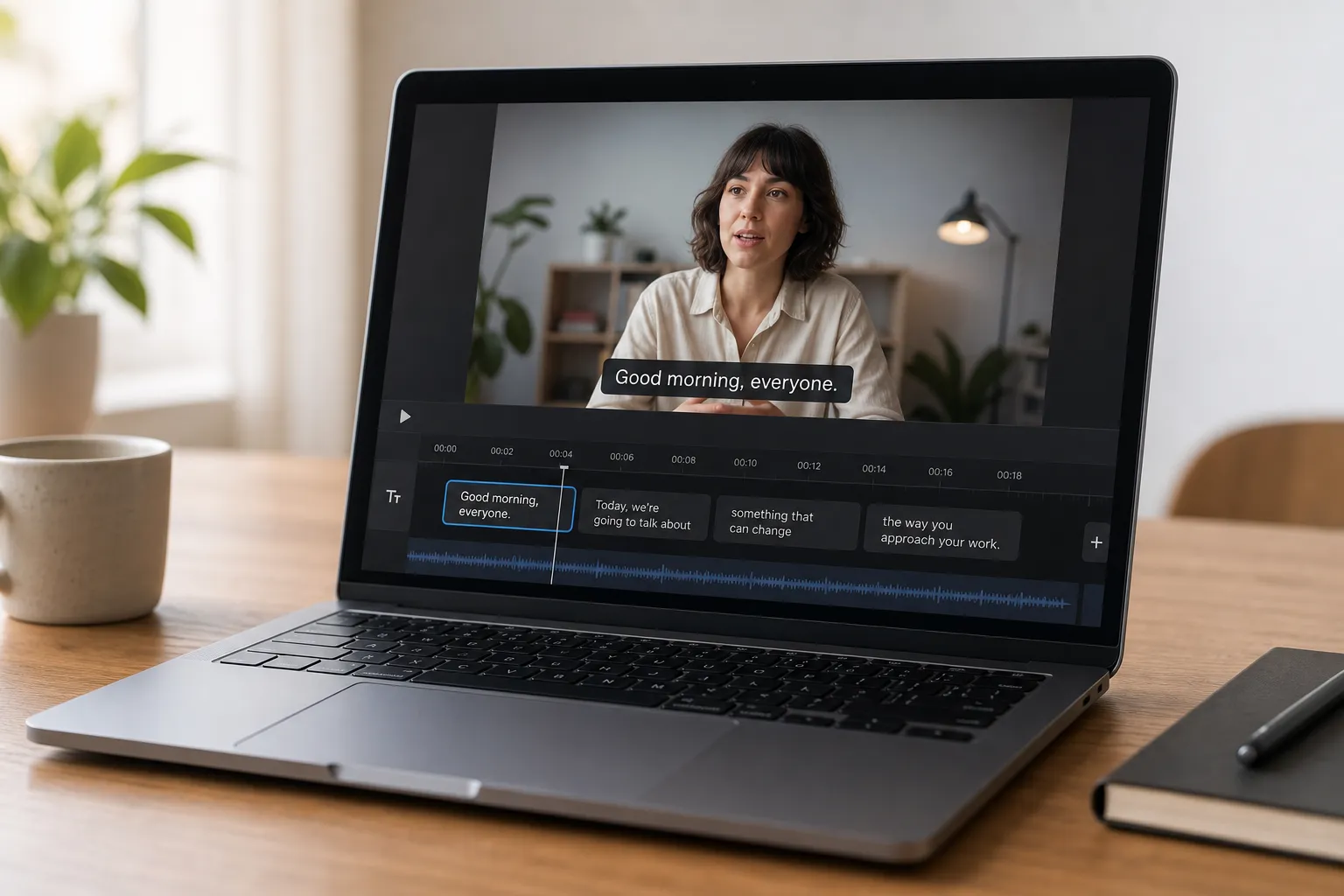
Autoplay is silent, audiences are global, and accessibility is table stakes. Captions are not optional if you want watch time, clarity, and reach. Doing them by hand across multiple apps is slow and brittle.
Here is a fast, reliable workflow to add subtitles to video online with an AI subtitles generator, then edit, style, translate, and burn them in so your posts look clean on TikTok, YouTube, and everywhere else.
Step 1: Upload and auto-transcribe with AI
Open SubtitlesFast in your browser. It is a web-based AI video editor that adds, translates, styles, and burns subtitles with simple editing and quick export to social platforms. No installs, no codec issues.
Upload the clip you plan to publish. MP4 and MOV are safest for web tools. Pick the correct source language to improve accuracy, then start auto-transcribe. The AI detects speech and creates time-synced captions for the full video.
If you are still drafting short-form content, you can spin up footage with a Text to TikTok video tool that turns prompts or a URL into on-brand, faceless reels with script, visuals, voiceover, and an MP4 you can subtitle in one pass.
Let analysis finish before you edit. Wait for the waveform to render and the transcript to populate so you are working from a complete draft.
Step 2: Edit text and timing for readability
AI gets you most of the way. Your polish makes captions effortless to read at mobile speed. Work top to bottom and tune both words and timing.
Clean the wording
- Fix names, brands, slang, and acronyms. Keep product spellings exact.
- Cut filler like “um,” “like,” and double starts unless it changes meaning.
- Prefer short, natural phrases. One thought per card reads best.
- Aim for two lines max, about 32 to 40 characters per line. That keeps eyes from sprinting on small screens.
Example line break for flow:
“We launched the new camera today” becomes:
“We launched the new camera”
“today.”
Match timecodes to speech
- Nudge each caption to begin just after the first syllable and end a beat after the last. This avoids flicker and feels glued to the voice.
- Use at least 1.0 second on screen per card at normal speech. For fast talkers, keep lines shorter rather than shrinking font size.
- Keep average reading speed under roughly 15 characters per second. If a card feels rushed, split it.
- Hold key beats. Punchlines and calls to action often benefit from an extra 200 to 300 ms.
Do a mute pass at 1x speed. If you can follow the full story without audio, your edits are in the right zone.
Step 3: Style captions for brand and clarity
Good styling looks intentional and stays readable against busy backgrounds. SubtitlesFast lets you lock a preset so every video in a series shares the same look.
Make it readable everywhere
- Font: pick a clean sans serif such as Inter, Poppins, or Arial. Medium to bold weight holds up on mobile.
- Size: for 1080x1920, 64 to 92 px typically reads well. Use 110 to 130 percent line height for two-line cards.
- Contrast: light text with a 2 to 3 px dark stroke, or dark text on a semi-opaque box (black at 70 to 80 percent). Test on bright and low-light shots.
- Placement: set captions low but not at the edge. Leave about 10 percent padding from the bottom and sides so UI buttons do not cover text on TikTok and YouTube.
Add brand personality without hurting legibility
- Use your primary brand color for emphasis on keywords or names. Keep base text neutral for comfort over long viewing.
- If you want karaoke style, highlight words in sequence but keep animation subtle and smooth. Pace line breaks to musical phrases.
- Lock a style preset for font, size, color, stroke, and placement. Consistency outperforms novelty in feeds.
Step 4: Translate and export for every platform
When your base subtitles read clean, create translated variants to expand reach without redoing timing. SubtitlesFast applies translations to existing timecodes.
Translate with intent
- Choose languages from your analytics. For many creators in the Americas and EMEA, Spanish, Portuguese, and Arabic often outperform English for engagement.
- Scan proper nouns after translation. Brand and product names usually stay in the original language.
- Mind expansion. Some languages add length. Tighten phrasing so two-line cards still fit and stay under ~15 characters per second.
Preview each language in playback. You are checking rhythm as much as wording. If a pause feels rushed, open a sliver of extra time on that card.
Export settings that just work
- Burned-in captions: best for Shorts, Reels, TikTok, paid placements, and platform-proof branding. Your look is locked and cannot be stripped.
- Clean video + sidecar file: useful for long-form on platforms that index SRT/VTT for search. Keep a styled, burned-in cut for social and an alternate upload where native captions help discoverability.
- Aspect ratios: 9:16 for TikTok, Reels, and Shorts; 1:1 for some feed posts; 16:9 for YouTube long-form. Export at 1080 on the long edge for crisp text.
- Codec basics: H.264 video with AAC audio is widely accepted. Keep audio clear and balanced so the auto-captioner performs well on future edits.
Common pitfalls to avoid
- Noisy audio leads to messy auto captions. Record closer to the mic or run a quick noise cleanup before upload.
- Low contrast kills readability. Add a stroke or background box if text disappears on bright scenes.
- Too many words per card. If you cram, viewers bail. Split long thoughts and keep lines punchy.
- Forgetting safe zones. Test on a real phone to see how UI overlaps your captions.
- Inconsistent styling across videos. Save and reuse a preset so your feed looks like one brand.
Key takeaways
- Start with an AI auto-caption, then do a quick human pass to fix wording and pacing.
- Limit to two lines, ~32 to 40 characters each, and keep average speed under 15 characters per second.
- Readable styling and safe placement matter as much as accuracy.
- Translate after you lock timing, then preview for rhythm in each language.
- Burn subtitles into video when you need brand-consistent, platform-proof results.
Follow the same flow every time: upload, auto-caption, edit, style, translate, export. You will ship clear, on-brand videos that stay watchable on mute and perform across platforms.