

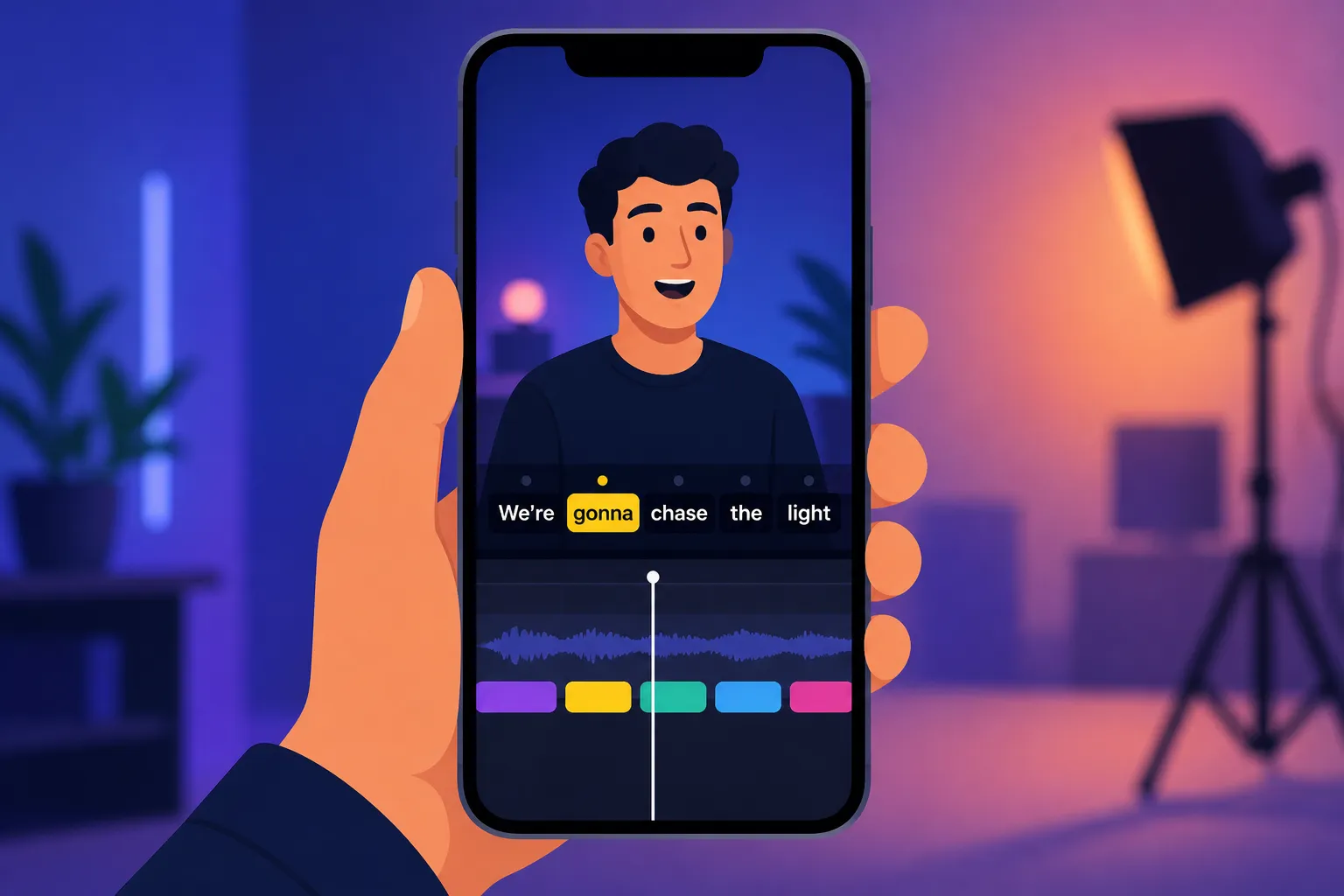
Your captions have to stop the scroll, read clean on a phone, and ship the same day. If you cut inside one app, CapCut keeps things simple. If captions are the core of your edit and you post to multiple platforms, SubtitlesFast is built for that job. Here is a clear, practical comparison so you pick the right tool for your next batch of shorts.
Quick comparison: CapCut vs SubtitlesFast
- Where you edit: CapCut is a mobile and desktop app for full timeline edits. SubtitlesFast is a web-based editor you can open in a browser to add subtitles to video online and finish the post fast.
- Auto subtitles: Both generate auto captions. SubtitlesFast centers on AI Subtitles with word-level highlighting so you can click a single word to fix timing and spelling.
- Languages and reach: CapCut supports multiple languages. SubtitlesFast supports 50+ languages and native Translate Subtitles so you can publish the same cut in new markets without round-tripping files.
- Styles and effects: CapCut covers the basics with templates and manual tweaks. SubtitlesFast adds Karaoke Style Subtitles, Karaoke Style Captions, and Subtitle Style Customization with 30+ animated looks, custom fonts, and brand colors.
- Export for social: Both can export with captions visible. SubtitlesFast focuses on Burned-In Subtitles for consistent playback across feeds, plus quick Change Aspect Ratio options for TikTok, YouTube, Instagram, and X.
- Extras: SubtitlesFast includes Timeline Editing for quick trims, Add Music to layer a track, and an AI Thumbnail Generator so your cover matches the cut.
When CapCut makes sense
CapCut shines when you want to stay inside one timeline from rough cut to export. If your workflow is record, cut, caption, post, you can generate captions, correct text on the timeline, apply basic motion, and publish. That is ideal for:
- Simple talking-head shorts where you need legible captions and light styling.
- TikTok-first edits that live entirely in CapCut from start to finish.
- Quick fixes on mobile when you are traveling or editing between shoots.
Practical tips if you use CapCut for captions:
- Keep line length under ~42 characters so text does not wrap awkwardly on narrow screens.
- Use a bold sans serif at a size that covers about 10 - 14% of video height for readability.
- Add a subtle shadow or stroke for contrast against busy footage.
- Place captions above the app UI safe area so they do not collide with like, comment, or progress controls.
Why SubtitlesFast fits a caption-first, cross-post workflow
SubtitlesFast focuses on captions first, then handles the rest of the social workflow. If you need an AI subtitles generator that is fast to correct and easy to style, it checks those boxes without bouncing between apps.
- Precise text you can fix fast: AI Subtitles in 50+ languages with word-level highlighting show you exactly where each word sits. Tap a word to edit or adjust timing without hunting through the timeline.
- Publish globally: Use Translate Subtitles to create multilingual versions in the same project. No exporting, re-importing, or re-timing.
- On-brand styles: Subtitle Style Customization offers 30+ animated styles plus control over fonts, weights, colors, and positions. Karaoke Style Subtitles and Karaoke Style Captions highlight words in sync, which helps viewers follow rapid hooks, lyrics, and quotable lines.
- Export once, post anywhere: Reformat with Change Aspect Ratio for 9:16, 1:1, or 16:9, then finish with Burned-In Subtitles so captions display the same way on every feed, even when closed captions are off by default.
- Everything you need for a social post: Use Timeline Editing for trims and rearranging, drop in a track with Add Music, and generate a scroll-stopping cover with the built-in AI Thumbnail Generator.
If you are producing content for multiple clients or platforms, these details compound. You set a branded caption style once, translate in the same file, reframe for each platform, and export with confidence that the text will look identical in every player.
Editing speed, styles, and export in practice
Here is how both tools handle common scenarios.
Short clips with clean audio (15 - 60 seconds)
Both tools produce usable auto captions quickly. CapCut is efficient if you are already cutting inside its timeline. SubtitlesFast makes the correction pass fast because word-level highlighting lets you click directly on the missed syllable and re-time by a fraction of a second. If your hook is text-driven, SubtitlesFast’s karaoke highlight can carry the rhythm of the line.
Longform, multiple speakers, or accents
As audio complexity increases, the edit speed after the first pass matters most. SubtitlesFast’s per-word timing helps you spot false starts, overlaps, and clipped endings without scrubbing. If you plan multilingual cuts, the native Translate Subtitles step avoids exporting SRTs and re-importing them into another app for each language.
Cross-posting the same cut
SubtitlesFast’s Change Aspect Ratio helps you take a 9:16 short and prep thumbnails and captions for 1:1 or 16:9 without rebuilding the layout. Finish with Burned-In Subtitles so your text stays visible on platforms where viewers rarely toggle captions on.
Style that earns the first three seconds
If your captions need to do more than sit at the bottom of the frame, SubtitlesFast acts like an animated karaoke subtitles editor. Pick a template, match your brand fonts and colors, and apply karaoke-style word highlighting that tracks speech. This is useful for punchy hooks, lyric reels, and fast explainers where timing the emphasis matters. CapCut still works if you want a minimal, static look and you prefer to keep everything inside your main timeline.
Practical caption tips that help either way
- Keep two lines max and balance the break at natural pauses. Bad line breaks hurt retention more than small timing errors.
- Use high-contrast color pairs. A bright fill with a dark stroke is still the most reliable on mixed footage.
- Anchor captions within a safe margin so they clear app UI and creator tags.
- For speed, correct text before you style. Styling a typo wastes time when you duplicate versions.
Side note for working creators: if you are also job hunting between edits, an AI resume builder and job search tool can scan listings, draft tailored resumes and cover letters, and send alerts that match your skills.
Key takeaways
- CapCut subtitles are convenient if you already cut inside its timeline and need simple, legible captions fast.
- SubtitlesFast centers on captions with AI Subtitles, word-level editing, 50+ languages, and built-in Translate Subtitles.
- For text that drives retention, SubtitlesFast’s Karaoke Style Subtitles, Karaoke Style Captions, and Subtitle Style Customization with 30+ animated looks stand out.
- Burned-In Subtitles and one-click Change Aspect Ratio make SubtitlesFast strong for cross-platform posting without layout rebuilds.
- Use CapCut for TikTok-first, timeline-only edits. Use SubtitlesFast for on-brand, multilingual, caption-led shorts you will post everywhere.
FAQ
Is SubtitlesFast an AI subtitles generator?
Yes. SubtitlesFast automatically transcribes your video into subtitles in 50+ languages with word-level highlighting, then lets you style and export.
Can I add subtitles to video online without downloading software?
Yes. SubtitlesFast runs in the browser so you can upload, generate, edit, and export captions online.
How do I burn subtitles into video for social platforms?
In SubtitlesFast, choose Burned-In Subtitles at export. The captions become part of the video file so they display the same on every platform.
Do karaoke style captions help with watch time?
Many creators see better retention with word-by-word highlights. SubtitlesFast includes Karaoke Style Subtitles and 30+ animated styles to support that approach.
Can I create auto captions for TikTok and YouTube in different aspect ratios?
Yes. SubtitlesFast can generate captions, then you can change the aspect ratio for TikTok, YouTube, Instagram, or X before exporting.