

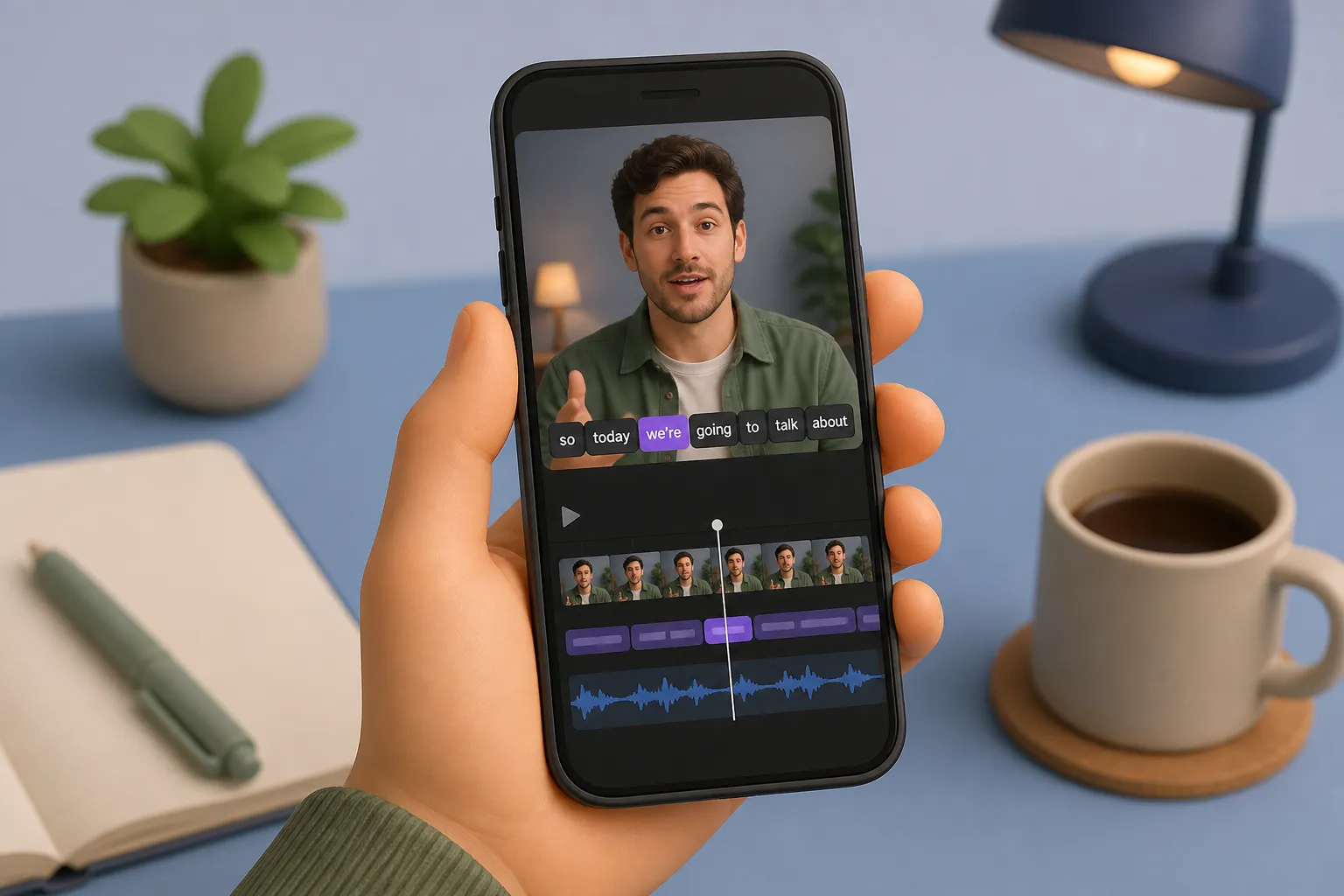
Most viewers hit play with sound off. If your captions are clear and in sync, they stay. If not, they scroll. The good news: once you know how automatic subtitles work and what settings matter, you can get reliable results in minutes.
Speech to text video means turning spoken audio into on-screen subtitles or captions with AI that recognizes words, adds punctuation, and timestamps text so each line appears in sync with the speaker.
What speech to text video means in practice
Auto captions are more than a transcript. A solid system gives you readable lines that track the beat of speech without blocking the frame. That includes:
- Word timestamps. Each word has a start and end time, usually accurate within tens of milliseconds. This enables precise line breaks, karaoke highlights, and quick fixes.
- Readable chunks. Lines are split so viewers can scan at a glance. Aim for 32 - 40 characters per line, up to two lines, and about 12 - 17 characters per second on screen.
- Platform fit. Captions must survive the jump from YouTube to TikTok to Reels. That means safe margins, strong contrast, and the right aspect ratio.
On SubtitlesFast, AI Subtitles handle the heavy lift in 50+ languages with word-level highlighting. You can tweak text on a simple timeline, style it to match your brand, translate for new audiences, and export with burned-in subtitles for social.
How automatic subtitles actually work
1) Prep the audio
The system cleans the soundtrack so speech stands out. It may normalize loudness, reduce constant hiss, and detect where speech starts and stops. Cleaner input raises accuracy before any transcription happens.
2) Recognize words and timing
A speech model converts waveforms into text. It analyzes small slices of audio, predicts phonemes, then assembles words. It also assigns timestamps to each token so captions can follow speech tightly and support word-level editing.
3) Add punctuation and casing
Raw recognition is a stream of lowercased words. A language pass adds commas, question marks, and sentence breaks, and fixes capitalization so your captions read naturally instead of like a dump from a call center.
4) Segment into caption cards
The text is split into cards timed to pauses and phrasing. Good tools avoid breaking names, keep cards on screen long enough to read, and change cards on silent gaps or cuts so the rhythm feels human.
Improve accuracy before you hit Transcribe
Garbage in, garbage out. These setup moves make the biggest difference:
- Use a real mic. A lapel or short shotgun 6 - 12 inches from the mouth beats a phone on the desk. Keep gain so peaks sit around −12 dBFS with no clipping.
- Control the room. Turn off fans and AC. Record in a soft space. A blanket or rug can cut flutter echo that smears consonants.
- Keep a steady pace. Fast, mumbled delivery spikes errors. Enunciate and leave short pauses at sentence ends.
- Flag tricky words. Brand names and jargon are common misses. Say them cleanly. Plan a quick pass to correct them later.
- Avoid crosstalk. Let speakers take turns. Overlapping voices reduce accuracy sharply.
- Mind compression. Heavy noise reduction or extreme compression can blur speech. Caption from a clean export with a decent bitrate.
Even strong models miss rare names. That is normal. With word timestamps and a timeline, you can spot the few bad moments fast and fix them in place.
Edit faster with word-level control
After the first pass you want two things: quick text edits and simple timing moves. A timeline with word-level highlighting makes both painless.
- Click-to-correct. If it hears “cereal” instead of “serial,” click the word and type the fix. Keep an eye on names, numbers, and acronyms.
- Split or merge lines. Keep to two lines max. Merge short phrases that belong together. Split long sentences at natural pauses.
- Adjust durations. If a card flashes too fast, extend it so reading speed stays near 12 - 17 characters per second. If it lingers after speech stops, trim it.
- Cut and keep sync. When you remove a clip, captions should ripple with it so timing stays locked. A simple timeline keeps everything aligned.
This matters most for auto captions on TikTok and YouTube Shorts where pacing is tight. Quick nudges to land lines on pauses can lift watch time without any reshoot.
Style, translate, and export for each platform
Good captions are readable, on brand, and compatible with where you post. Handle the basics first, then add polish.
- Font and size. Use a clean sans serif like Inter or Montserrat. For 1080x1920, size so two lines are readable without covering faces. Test on a phone.
- Contrast and backing. Use light text on dark or dark on light. A subtle drop shadow or box background at 60 - 80% opacity keeps text clear over busy scenes.
- Placement and margins. Bottom center is standard. Stay inside safe margins so UI, lower thirds, and platform overlays do not clash.
- Animation restraint. Small pops and word highlights under 200 ms feel crisp. Overdone motion tires the eye.
If you post short clips, karaoke subtitles can punch up engagement. A simple animated karaoke subtitles editor highlights each word as it is spoken so viewers track the beat and meaning together. This often boosts completion rates because the eye knows where to go.
Translate to multiply reach
Translate subtitles to republish without reshooting. Keep product names, brand terms, and URLs as written. Check line breaks after translation so reading speed stays reasonable, especially for longer words. For right-to-left languages, align and punctuate accordingly.
Export settings that just work
- Burned-in subtitles. If a platform strips sidecar files, burn subtitles into video so text is always visible. This is the safest path for short-form social.
- Aspect ratios. Switch to 9:16 for TikTok and Reels, 1:1 for square posts, or 16:9 for YouTube. Reframe shots so faces stay centered.
- Codecs. H.264 in MP4 is widely accepted. For 1080p vertical, 8 - 12 Mbps is a clean starting point. Use AAC audio at 128 - 192 kbps so speech stays clear.
SubtitlesFast puts these steps in one place. Generate AI Subtitles with word-level highlighting, edit on a simple timeline, pick from 30+ animated styles including Karaoke Style Subtitles, translate subtitles, change aspect ratio for TikTok, YouTube, Instagram, or X, add music, create a thumbnail with the AI Thumbnail Generator, and export Burned-In Subtitles for easy sharing. It is a fast way to add subtitles to video online without juggling many tools.
Real-world playbook
- Shorts and Reels. Open with a tight hook. Big text, strong contrast box, snappy word highlights. Keep lines to two words when possible.
- YouTube explainers. Smaller font, subtle shadow, little to no animation during code or charts. Let the content lead.
- Interviews and podcasts. Trim dead air, center the speaker, and caption quotable moments for clips.
- Courses and tutoring. Clear, accurate captions support ESL learners and students studying on mute. If you post study tips from a profile on TutorListed, good captions help your clips land with the right audience.
Quick workflow
- Upload your clip.
- Auto transcribe. Scan for names and jargon to fix.
- Edit timing on the timeline. Split and merge lines where needed.
- Pick a readable style. Add light animation for emphasis if it fits.
- Translate if you plan multi-language posts.
- Resize for the platform and export with burned-in text.
- Create a thumbnail. Publish.
Examples of smart styling choices
- Comedy skit on TikTok. Big bold font, high-contrast box, punchy word highlights.
- How-to on YouTube. Smaller font, subtle drop shadow, calm animation or none.
- Music clip. Full karaoke subtitles with tight word highlights on the beat.
Key takeaways
- Speech to text video turns spoken words into timed captions you can read in sync.
- Clean audio, clear delivery, and a quick timeline pass produce the best accuracy.
- Readable styling plus light animation can lift watch time and retention.
- For social, export burned-in captions and the right aspect ratio.
- Use translation to reach new viewers without reshooting.
FAQ
What is speech to text video in simple terms?
It is the automatic process of turning the speech in your video into timed subtitles or captions that appear on screen as you talk.
How accurate are auto captions for TikTok and YouTube?
With clear audio and steady speech, they are often very accurate. Names and jargon may need quick fixes during editing.
Should I burn subtitles into video or upload a caption file?
For short-form social, burning them in is safer because the text always shows. For long videos, a caption file can be fine.
What makes karaoke style captions different?
They highlight words in sync as they are spoken, which guides the eye and keeps viewers engaged, especially in short clips.
Can I translate subtitles for global viewers?
Yes. Translate your captions and export new versions to reach audiences in other languages without reshooting.