

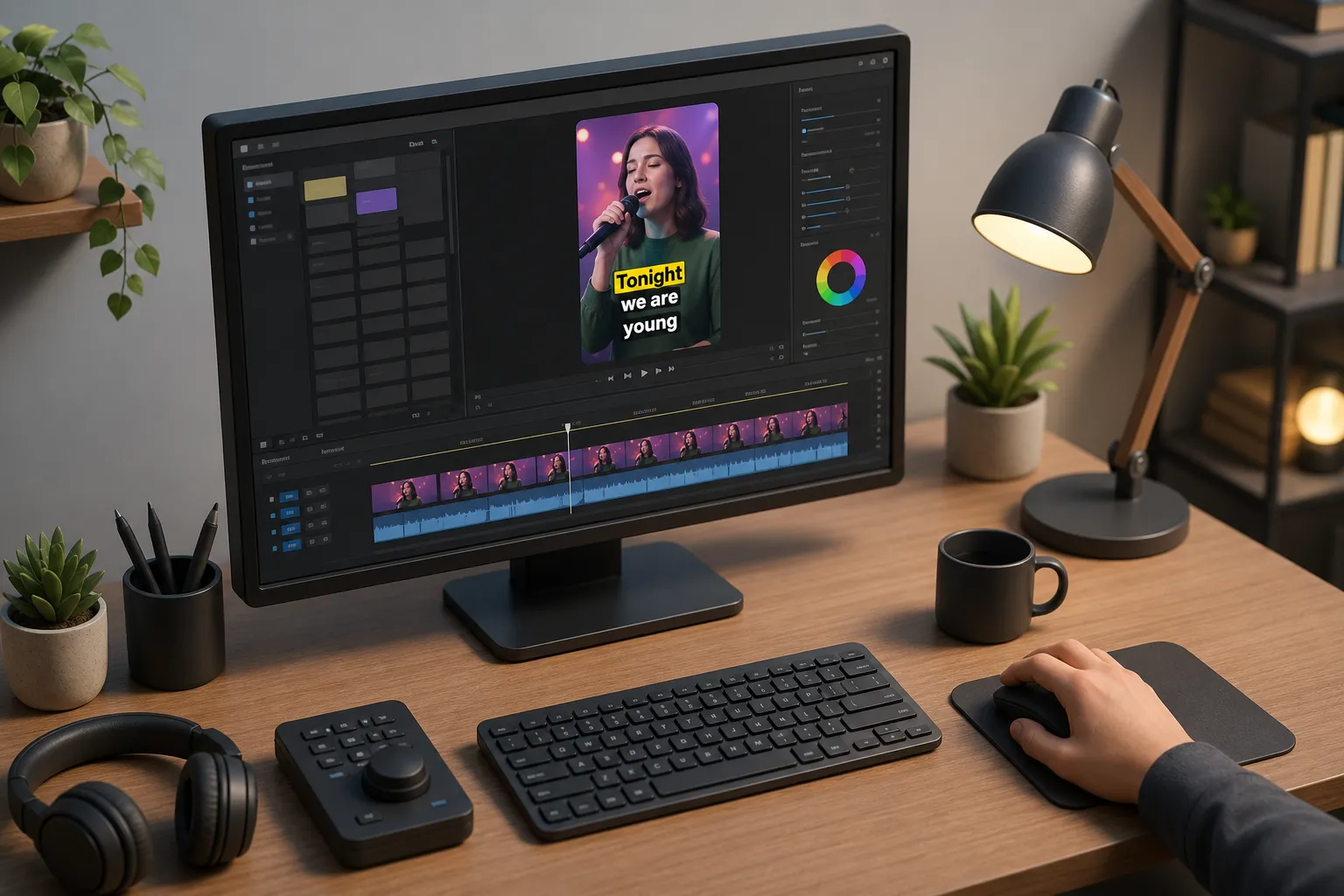
If you work with short-form video, captions are not optional. A large share of viewers scroll with audio off, and the subtitle track carries the message. You need an editor that nails accuracy, style, and export without derailing your schedule. If VEED is close but not perfect for your flow, the best VEED alternative will match how you subtitle, style, and share across platforms.
Where VEED excels and where it falls short
VEED is popular because it bundles general video editing with captioning in the browser. You can trim clips, add text and stickers, use templates, and leave with a social-ready file. For many solo creators and small teams, that one-tab setup is convenient.
Limits show up at the edges. If captions are your priority, you may want tighter control over pacing, more expressive styles, or cleaner burned-in exports. Some creators also run into plan-based limits, watermark rules on trial tiers, and menus that feel busy when you just want to fix timing or swap styles. Export control matters too. If your workflow depends on hard subtitles for TikTok and Shorts, font clarity at small sizes, or consistent safe margins, a subtitles-first tool can be faster and more precise than a generalist editor.
Ask yourself three questions before switching. One, do you spend more time fixing words than moving clips around. Two, do you need translations or multi-language output without creating new timelines. Three, do you need a simple way to burn captions into video so text stays crisp after platform re-encodes. If yes, you will benefit from a captions-first alternative.
SubtitlesFast: a VEED alternative built for AI subtitles
SubtitlesFast is a web-based AI subtitles generator that centers your workflow on what viewers read. It moves you from raw audio to styled, platform-ready captions without juggling panels. If you publish daily to TikTok, YouTube Shorts, Instagram, or X, it reduces decision fatigue by keeping the subtitle track front and center.
Strengths
- AI subtitles with word sync: Auto-transcribe in 50+ languages with word-level timestamps. Edit text like a document and see timing update in real time. Snap words to beats for punchier delivery.
- Karaoke-style highlights: Guide attention with per-word or per-syllable highlights. Choose left-to-right or center-fill animations so viewers always know where they are in the line.
- Brand-ready styles: Start from 30+ animated presets, then tune fonts, weights, stroke, drop shadow, background, and line height. Save brand kits so every editor on your team exports the same look.
- Translate once, export many: Generate translated subtitle tracks without duplicating timelines. Keep per-line timing and style while swapping language. Export separate files per language or batch hard-burned versions.
- Burned-in or sidecar: Export clean MP4 with hard subtitles for social, or download SRT and VTT for platforms that support soft captions. Control render scale, font hinting, and pixel padding to keep text sharp on vertical video.
- Aspect ratio presets: Switch between 9:16, 1:1, 4:5, and 16:9. Lock subtitle safe margins so text never hits UI chrome on TikTok or Shorts. Auto-resize text per canvas so lines wrap cleanly.
- Simple timeline: Trim, cut, and rearrange clips on a clean timeline. Subtitles reflow with edits, so you avoid re-timing after every cut. Ripple delete and magnet snapping keep audio and captions in sync.
- Audio and music tools: Add music beds, control ducking against voice, and nudge captions to the beat. Waveform view helps you see pauses and punch-ins at a glance.
- Thumbnails and covers: Generate and test thumbnails without leaving your flow. Pull a caption frame as a cover, or create a bold text card that matches your subtitle style.
- Shortcuts and speed: Keyboard-first editing for review sessions. Jump word to word, split on cursor, and approve changes without touching the mouse.
Trade-offs
- Runs in the browser, so long clips depend on your upload speed and connection.
- Focused on subtitle-first workflows, not complex motion graphics or heavy compositing.
Typical flow: upload, auto-transcribe, skim once to correct names and brands, apply a brand style, set safe margins, then export one hard-subbed 9:16 MP4 for TikTok and a soft-captioned 16:9 version with SRT for YouTube. If you publish a multilingual cut, generate translations and batch-export. This keeps captions consistent across platforms and cuts review time in half.
Kapwing: a generalist editor for quick social posts
Kapwing is a flexible online editor if you spend as much time arranging assets as you do captioning. It suits creators who want templates, canvases, and quick visual polish for promos, memes, and simple explainers.
Strengths
- Solid for assembling short edits with titles, stickers, overlays, and basic effects in one place.
- Browser-based with shareable projects, which makes handoffs and device switching straightforward.
- Handy for repurposing clips into multiple aspect ratios with grid and safe-area guides.
Trade-offs
- Subtitle styling depth varies by plan. If captions drive performance, review style controls before you commit.
- Burned-in exports are available, but fine control over font hinting and line pacing can take more steps than a captions-first tool.
- Layer-heavy projects can feel busy as you scale edits or add motion.
Use Kapwing when you need a broad canvas with quick templates and your captions are simple. If you need animated karaoke highlights, strict brand styles, or repeatable translation workflows, a subtitles-first editor will usually be faster.
Descript: transcript-led editing for teams
Descript is a script-first editor that many podcasters, educators, and product teams like. You edit by changing words on a page, then refine the timeline. This is efficient for interviews, tutorials, and screen-recorded explainers.
Strengths
- Transcript editing can be faster than timeline scrubbing for long content. Delete filler words, tighten pauses, and jump to exact phrases.
- Good for voice-first projects where the script dictates the cut. Screen recording and multitrack editing help with walk-throughs.
- Review and comment in one project, which suits teams that iterate inside a shared workspace.
Trade-offs
- Short-form social edits may take extra steps if your goal is bold, animated subtitles front and center.
- Caption style flexibility depends on leaving the transcript view to tweak visual settings.
- Learning curve if you prefer a traditional timeline with minimal panels and tools.
Use Descript when the spoken word is the source of truth and you want edits to track the transcript line by line. If you measure success by subtitle legibility in 9:16, you may prefer a tool that treats captions as the main output, not an add-on.
Choosing the right workflow
Pick by bottleneck. If you burn time nudging words to beats and fixing line breaks, a subtitles-first editor will feel like a cheat code. If you live in templates, overlays, and light motion, a generalist editor can cover more ground with fewer tools. If your projects start as a script and run long, transcript-led editing saves hours.
Platform output matters. For short, vertical posts, you want fast auto captions, reliable 9:16 exports, and burned-in text that stays sharp after platform compression. For global reach, built-in translation is safer than juggling separate tools and risking timing drift. For teams, brand kits and shared styles prevent one-off looks that hurt recognition.
Nothing exists in a vacuum. Pair the right recorder with the right editor. For example, record a crisp screencast in ScreenPitch to get smooth zooms and a steady cursor, then drop that file into a subtitles-first editor to handle AI captions and styling. Separating capture from captioning keeps one tool from bottlenecking the whole process.
- If you want a focused subtitles workflow with animated karaoke highlights, on-brand styles, translations, and quick burned-in exports, choose SubtitlesFast.
- If you need a broad browser-based canvas to arrange edits with social-friendly layouts, Kapwing can fit.
- If your edits start as text and you prioritize transcript-driven cuts for tutorials and interviews, Descript is a strong fit.
Key takeaways
- Decide by the task that slows you down most. Let that pick your tool.
- For subtitle quality, timing, and brand control, a subtitles-first editor beats a generalist stack.
- Plan exports early. Lock aspect ratios and safe margins for where you publish, not where you edit.
- Use hard subtitles for platforms that re-encode aggressively. Keep SRT or VTT when discoverability or accessibility features help.