

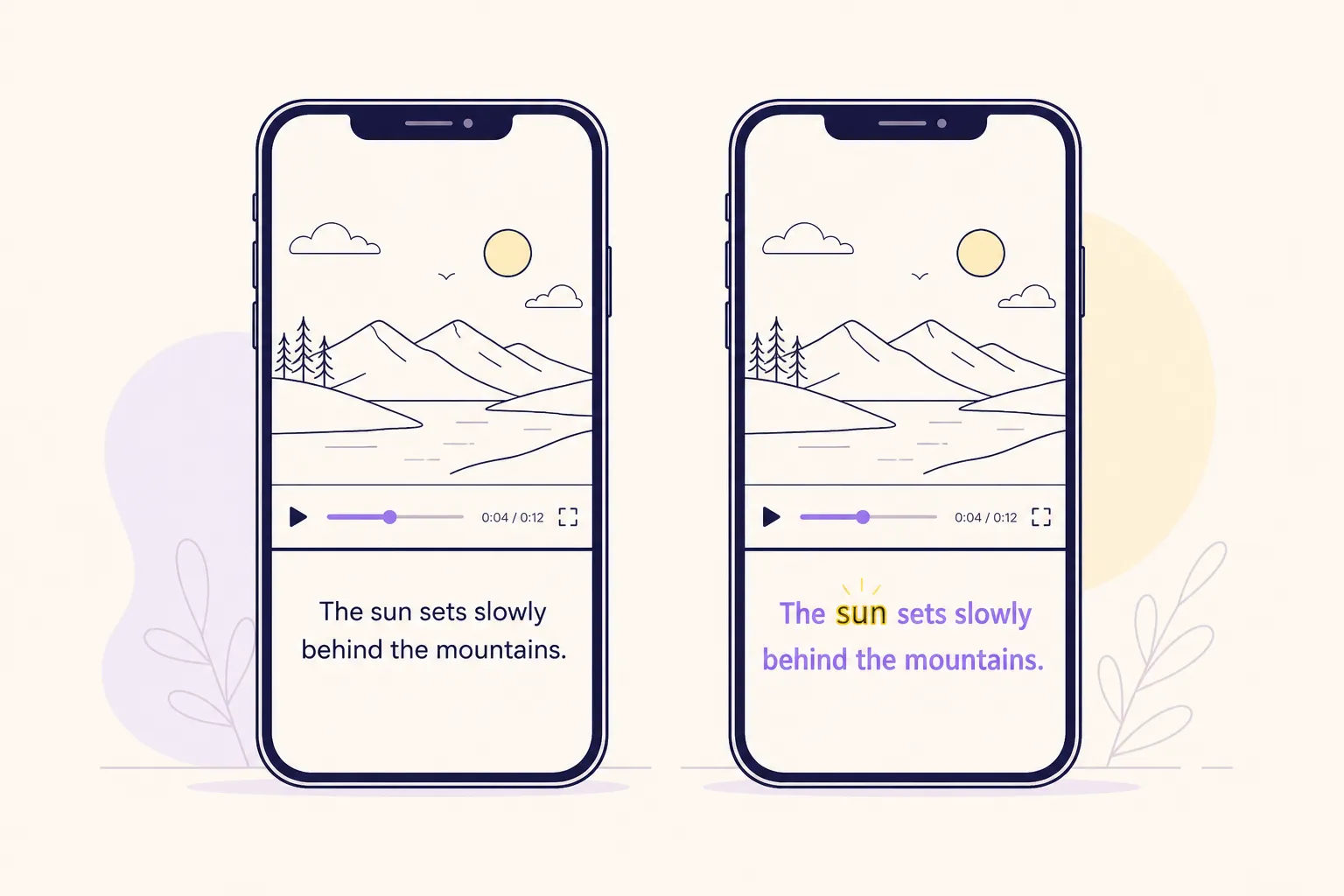
Captions sell the hook and help viewers stick around. If you post to TikTok, YouTube, and Instagram, you need captions that read clean, look on-brand, and export fast. Here is a straight-up comparison of the VEED.io subtitle generator and SubtitlesFast on the two things that matter most to creators: speed and style.
| Feature | VEED.io Subtitle Generator | SubtitlesFast |
|---|---|---|
| Auto subtitle accuracy & timing | Good on clean audio. Manual tweaks needed on slang or crosstalk. | AI Subtitles with word-level highlighting for quick timing checks and fixes. |
| Styling & effects | Clean style presets and editable text. | 30+ animated styles, brandable fonts and colors, plus Karaoke Style Captions. |
| Karaoke-style captions | Basic emphasis options. | Karaoke Style Subtitles with word-by-word highlights for sing-along or emphasis. |
| Translation & multi-language | Multi-language support available. | Translate Subtitles for wider reach, with AI Subtitles in 50+ languages. |
| Burned-in exports | Supports hardcoded caption exports. | Burned-In Subtitles for instant shareability on all platforms. |
| Social formats | Social-friendly exports. | Change Aspect Ratio for TikTok, YouTube, Instagram, or X. |
| Editing workflow | Basic timeline trimming and edits. | Simple Timeline Editing to trim, cut, and rearrange clips. |
| Speed on short clips | Fast on reels and shorts. | Fast AI, quick styling, and fast export for shorts and long-form. |
| Extras | Varies by plan. | Add Music and an AI Thumbnail Generator for scroll-stopping posts. |
| Pricing & fit | Multiple plans. Good for teams that already use VEED.io. | Creator-friendly focus on captions, style, and quick social delivery. |
Accuracy and timing on real clips
We ran a noisy street interview, a two-speaker podcast, and a screen-recorded tutorial. The VEED.io subtitle generator handled the tutorial and the clearer parts of the podcast well. It was less confident when voices overlapped, when the guest spoke fast, or when slang crept in. That shows up as late highlights or whole lines starting a beat too early, which then need a few manual nudges.
SubtitlesFast leans on AI Subtitles that mark timing at the word, not just the line. That matters when you are fixing dozens of small drifts. If a guest clips off the end of “because,” you see that single word light up out of sync and can tighten it without shifting the whole sentence. Over a 60-second short, shaving three or four of those micro-fixes per sentence saves real time.
On short-form output, seconds add up. For creators pumping out auto captions for TikTok and YouTube, the speed win often comes from fast diagnosis. Word-level highlighting shows exactly where timing slips, and quick selectors for capitalization and punctuation keep you from bouncing between panels. Less hunting, more posting.
Styling and karaoke effects
Style is the first impression. VEED gives you clean presets and editable text that work well for tutorials, explainer slides, and brand-safe B-roll. You can set a neutral, readable look and publish without fuss.
SubtitlesFast pushes style further for social. You get 30+ animated styles out of the box. Subtitle Style Customization lets you lock in your brand fonts, colors, and animations so new clips match your feed without manual rebuilding. Use bright pop captions for a recipe reel, a light typewriter effect for a product demo, or a bold bounce for a street interview. You can also tune contrast with stroke and shadow so text stays readable over busy footage.
For music cuts and punchline pacing, karaoke subtitles help. SubtitlesFast includes Karaoke Style Captions that highlight each word as it is spoken. That guided read keeps eyes tracking the line, which is useful for lyric videos, comedy beats that hinge on a single word, or callouts in a fast demo. If your hook lands on the third word, the highlight pulls viewers straight to it.
Translation and multi-language reach
Creators often get requests for Spanish, Portuguese, or French after a clip pops. SubtitlesFast has Translate Subtitles built in, paired with AI Subtitles in 50+ languages. You can take an English short, keep your animated style, and publish a Spanish version in the same session. That is handy for channels with a split audience or for regional repurposing.
VEED supports multiple languages too. If translation is an occasional task, it will get the job done. If you plan to publish two or three language versions weekly, the combination of Translate Subtitles with word-level timing in SubtitlesFast reduces the little frictions: spotting line breaks that feel off after translation, keeping style consistent across longer phrases, and catching accents and punctuation that affect readability.
Burn-in export and social formats
Sidecar caption files are fine for archives and certain platforms, but most viewers never toggle them on. For reach, Burned-In Subtitles are still the lowest friction path. Both tools can burn captions into video. In SubtitlesFast, that path is front and center, so your exports look the same wherever they land.
Aspect ratio is the other half of distribution. SubtitlesFast includes Change Aspect Ratio presets for TikTok, YouTube, Instagram, and X. That keeps type size, safe areas, and animation pacing aligned as you move a clip from 9:16 to 16:9 or 1:1. Style once, then export vertical and horizontal versions without rebuilding your captions. If you post a batch of shorts each week, those saved rebuilds are the difference between hitting your slot and slipping a day.
Workflow, extras, and who each is for
VEED gives you a clear, browser-based editor for trimming and cleaning up clips. If your team already edits inside VEED, adding its subtitle generator keeps everything in one place and the presets look clean.
SubtitlesFast keeps the focus on caption-led videos. Timeline Editing is simple: trim, cut, and rearrange. Add Music inside the editor to lay a background bed under talking clips without juggling tabs. Finish with the AI Thumbnail Generator so your reel or short has a matching cover in the same session. That single-session flow helps when you need to add subtitles to video online and ship on a schedule.
If you like shipping small projects with tight scopes, the focused tool approach will feel familiar. For example, if you build quick SaaS demos using ShipAhead, you likely value tools that cut setup time and get results on screen fast.
Pricing and fit come down to scope. Pick the VEED.io subtitle generator if you already rely on VEED for broader editing and collaboration and want a reliable caption step inside that stack. Pick SubtitlesFast if captions are central to your content. You will get faster checks with word-level timing, more eye-catching looks with 30+ animated styles and Karaoke Style Subtitles, smooth multi-language work with Translate Subtitles, platform-ready exports with Burned-In Subtitles, and quick reposts with Change Aspect Ratio. That mix fits shorts, reels, explainers, lyric snippets, and punchy product demos.
Key takeaways
- Both tools can generate and export captions. SubtitlesFast is tuned for speed on timing fixes and style-heavy posts.
- Karaoke Style Captions and 30+ animated styles in SubtitlesFast keep viewers focused on the words that matter.
- Translate Subtitles and Change Aspect Ratio make multi-language, multi-platform posting much faster.
- Burned-In Subtitles are still the simplest way to ensure everyone sees your captions wherever they watch.
- If you post lots of shorts, a subtitle-first workflow saves hours every week and keeps your schedule intact.