

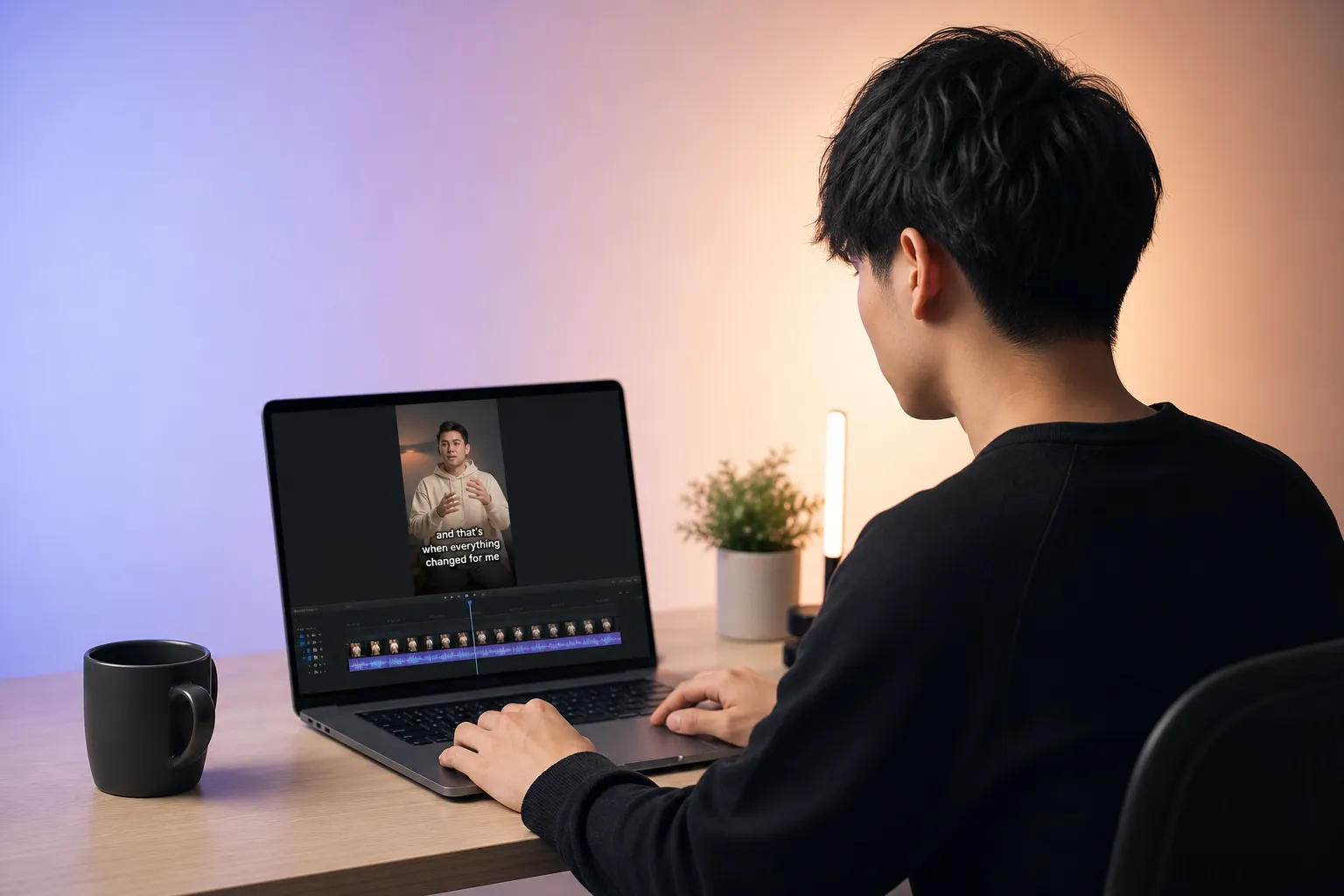
You want every viewer to follow your story, whether they watch on mute, speak another language, or rely on assistive tech. The tricky part is juggling formats, legal standards, and platform quirks without slowing your edit. This guide shows the essentials, the gotchas that cause rework, and a workflow you can ship fast with confidence.
Why video accessibility matters
Captions keep silent viewers engaged, especially on TikTok, Reels, and Shorts where autoplay is common. They also support comprehension for non-native speakers and anyone watching in noisy places. Clean, well-timed text reduces drop-off and drives more complete views on both short and long form.
Accessibility improves discovery too. Accurate captions and transcripts give platforms indexable text, which can boost recommendations and search visibility. If you publish how-to content on accessibility or post-production and want those pages to earn links, an SEO automation tool that covers “9 white-hat link building tactics for dofollow backlinks” can help write posts, secure dofollow links, and fix indexing so your guides surface in Google and AI answers.
Most importantly, it is inclusive. Viewers who are Deaf or hard of hearing, and viewers with auditory processing differences, should not have to struggle to follow your work. A small investment in workflow creates a large, lasting payoff.
Standards and platform rules
Legal and standards basics
- WCAG 2.2 AA. Treat this as your baseline for web content. For prerecorded video, provide captions. If key visuals are not described in the audio, provide audio description or equivalent information elsewhere.
- ADA and state laws (US). Public-facing content from businesses can fall under disability access obligations. Aim to meet or exceed WCAG 2.2 AA.
- CVAA and FCC (US broadcast/streaming). Captions must meet four pillars: accuracy, synchronicity, completeness, and proper placement. Even if you are not subject to CVAA, adopting these pillars will raise quality.
- General rule. If your distribution touches multiple regions or partners, follow the strictest requirement in the chain.
How major platforms handle captions
- YouTube. Upload SRT or VTT for best control. Set the language and mark the default track. Review any auto-captions before publishing. Add a full transcript on your site or in the description for long-form. Chapters and timestamps help skimmers.
- TikTok and Instagram Reels. Built-in auto-captions are improving but still miss names, jargon, and punctuation. If you want guaranteed style and placement, burn captions into the video. Keep text inside a vertical safe area so UI elements do not cover it.
- Facebook and LinkedIn. Pages can upload SRT. UIs change frequently, so test on a small post before a big campaign. Verify that the language is detected properly on mobile.
- Shorts, Stories, and vertical ads. Use open captions for a consistent look. Keep fonts large enough for small screens and place them above the lower UI bar.
Captions, subtitles, and formats
Captions are same-language text of speech plus meaningful sounds. Subtitles are usually translations of speech. SDH (Subtitles for the Deaf and Hard of Hearing) include both speech and key non-speech sounds. Closed captions are optional tracks the viewer can toggle. Open captions are burned into the video and always visible.
Use SRT or VTT for web and social. SRT is widely supported, simple to edit, and time-based, not frame-based, which avoids frame rate issues. Recommended practices:
- Accuracy. Target 98% or better. Fix names, brands, and domain-specific terms. Add speaker labels when multiple voices overlap.
- Timing. Align to speech. Typical duration is 1.0 to 6.0 seconds per caption. Keep gaps between captions brief so viewers are not left reading air.
- Readability. Limit to two lines. Aim for about 32 to 42 characters per line on mobile. Target reading speed around 12 to 17 characters per second for dense segments.
- Non-speech sounds. Include cues that change meaning such as [applause], [music], or [laughter]. Keep them concise.
- Placement and contrast. Avoid covering on-screen titles or lower thirds. Use high contrast text with a background box or outline for busy footage.
Music videos and fast dialogue benefit from karaoke-style subtitles that highlight each word in sync. This is useful for covers, education, and content where pacing matters because viewers can track every syllable.
Workflow with SubtitlesFast: create, style, translate, export
SubtitlesFast is a web-based AI subtitles generator that lets you add subtitles to video online without leaving your browser. It is built for speed and control on YouTube, TikTok, Reels, and Shorts.
- Import and auto-transcribe. Upload a clip and get clean punctuation out of the box. Correct terms in seconds with search and replace. Build a custom dictionary so brand names and jargon are right every time.
- Edit on a timeline. Split, merge, and retime captions with drag handles. Nudge timing for perfect sync. See reading-speed hints so you can shorten long lines before they overwhelm viewers.
- Style once, reuse everywhere. Pick fonts, colors, outlines or background boxes, and position presets. Save brand templates for 9:16, 1:1, and 16:9 so every export is consistent.
- Burn-in for vertical. When platform upload support is limited or you want a guaranteed look, burn subtitles into the video. Use safe-margin guides that avoid TikTok and Reels UI zones.
- Karaoke word highlights. The animated karaoke subtitles editor creates word-by-word highlights and bounce effects that stay on beat, ideal for lyrics or rapid-fire dialogue.
- Translate with control. Generate translated tracks in one step, then spot-check idioms and brand terms. Export clean SRT or VTT per language for YouTube or burn translated captions for Shorts and Reels.
- Fast export. Export crisp masters in 9:16, 1:1, or 16:9 with recommended bitrates so thin fonts do not smear after platform compression.
QA and publishing checklist
Good captions feel invisible. A quick, repeatable QA pass gets you there.
- Timing pass. Watch at 0.75x, 1x, and 1.25x. Fix captions that linger after speech ends or pop in early. Keep most durations between 1 and 6 seconds.
- Readability pass. Enforce two lines max and natural line breaks at phrase boundaries. Aim for 12 to 17 characters per second on dense sections. Trim filler words if a caption feels crowded.
- Contrast and size. Use high-contrast palettes. Add a semi-opaque box or outline for busy b-roll. On 1080x1920 vertical video, keep minimum caption text around 42 px and do not stretch beyond 80% of frame width.
- Placement and safe areas. Keep captions above the bottom UI zone on TikTok and Reels. A simple rule is 8% to 10% safe margins on all sides for vertical.
- Platform preview. In SubtitlesFast, preview 9:16, 1:1, and 16:9 with safe areas. Then upload privately on YouTube and use unlisted or friends-only on TikTok and Instagram to confirm nothing is covered.
- Device check. Spot-check on at least one iOS and one Android phone. Glare and small screens expose weak contrast and tiny type.
- Audio description strategy. If crucial visuals are not described in the audio, add short narration or provide a supplemental description in the post copy or a linked transcript.
- Plan in pre-production. Script clearly, avoid heavy overlap of voices, and narrate key visuals when possible.
- Transcribe in SubtitlesFast. Generate captions, correct names and jargon, set consistent casing and punctuation.
- Choose open vs closed. Upload SRT or VTT to YouTube for closed captions. For TikTok and Reels, prefer open captions by burning them in to guarantee style and placement.
- Style and template. Set fonts, colors, and position once. Save templates for shorts, reels, and long-form so teams can reuse them.
- Translate. Create language tracks for your top regions. Localize idioms and units of measure instead of translating word for word.
- Export. For vertical, use 1080x1920 at 30 or 60 fps with H.264 and a bitrate in the 8 to 16 Mbps range to keep text crisp after compression. Use 16:9 1080p for YouTube long-form with similar or higher bitrates.
- Tag and publish. On YouTube, set the video language, upload SRT or VTT, and add chapters. On TikTok and Instagram, confirm burned-in captions read clean in the final preview.
- Archive. Save SRT, VTT, project files, and final masters. Clean filenames like video-title.en.srt and video-title.es.srt prevent confusion later.
Key takeaways
- Accessibility increases reach, comprehension, and trust while supporting legal compliance.
- Hit the quality bar every time: accurate, synchronized, readable captions that include meaningful sounds.
- Use closed captions where supported and open captions where you need a guaranteed look.
- Build a fast QA loop into your edit so captions enhance the story without drawing attention.
- Use SubtitlesFast to generate, edit, style, translate, burn, and export captions fast across platforms.
Ready to scale accessible video without slowing your edit? Start your next project in SubtitlesFast and ship with confidence.